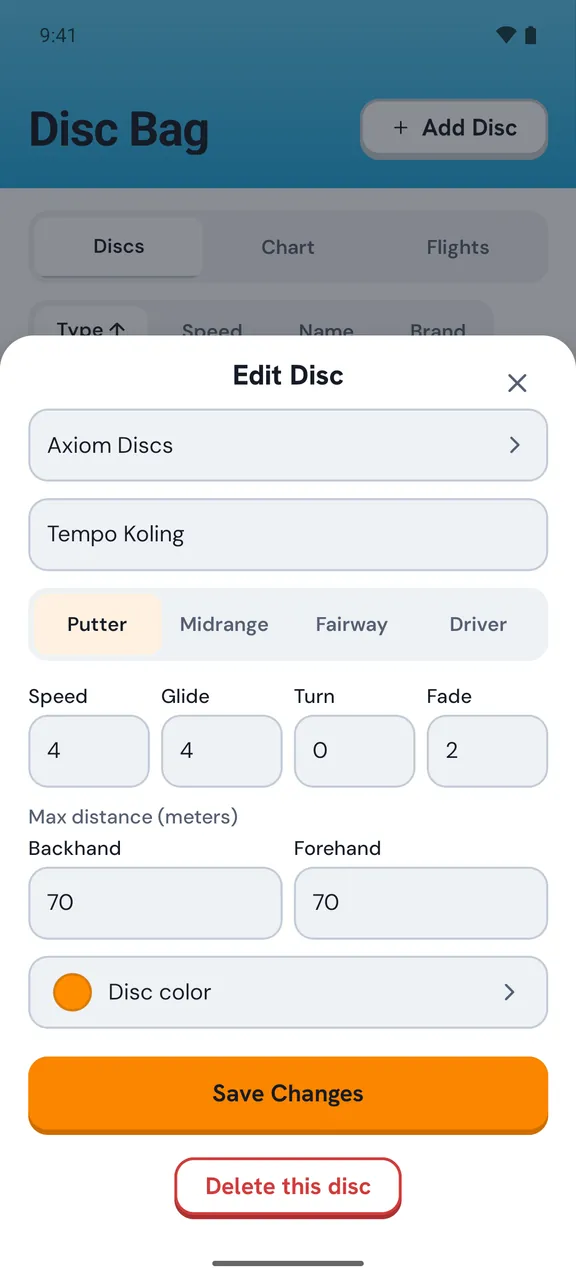
Half the battle is sorted before you reach the course. Build your bag in the app, see what each disc actually does, and pack the discs that suit the layout you're about to play. It also helps you spot the gaps in your bag you didn't know you had.
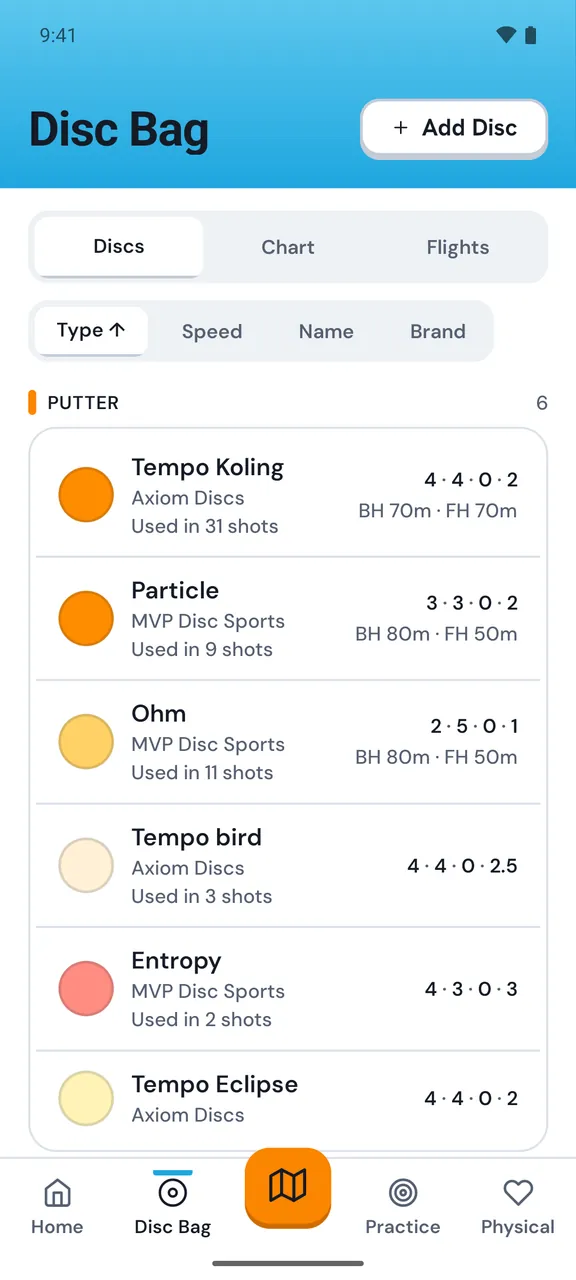
Add each disc you throw. Name it, set the type, and log its flight numbers. Once it's all in there you've got the full picture of what you're carrying, instead of a vague idea and a few discs you forgot you owned.
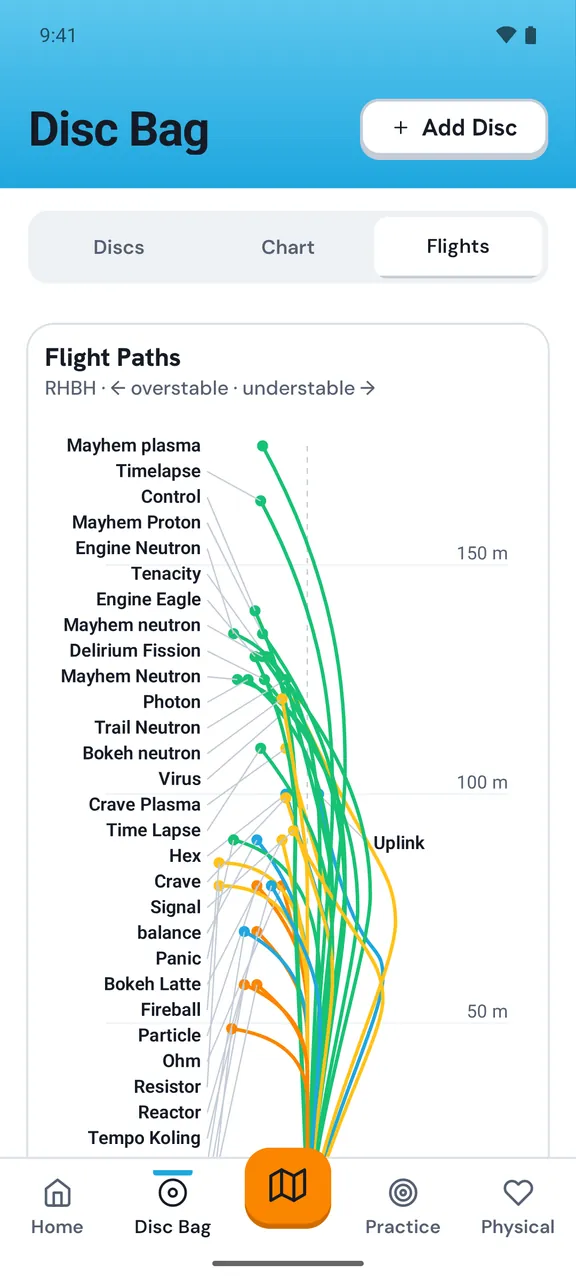
Most of us carry three discs that do nearly the same thing and nothing that handles a long, right-finishing line. The Flights view draws every disc in your bag as a flight path, shaped by its turn and fade and as long as you actually throw it, if you've logged your distance. Overlaps and gaps are easy to see. Then you know what's worth adding next. The paths show how each disc flies according to its numbers. How much of that you see in the air comes down to your arm speed and how much spin you put on the disc.
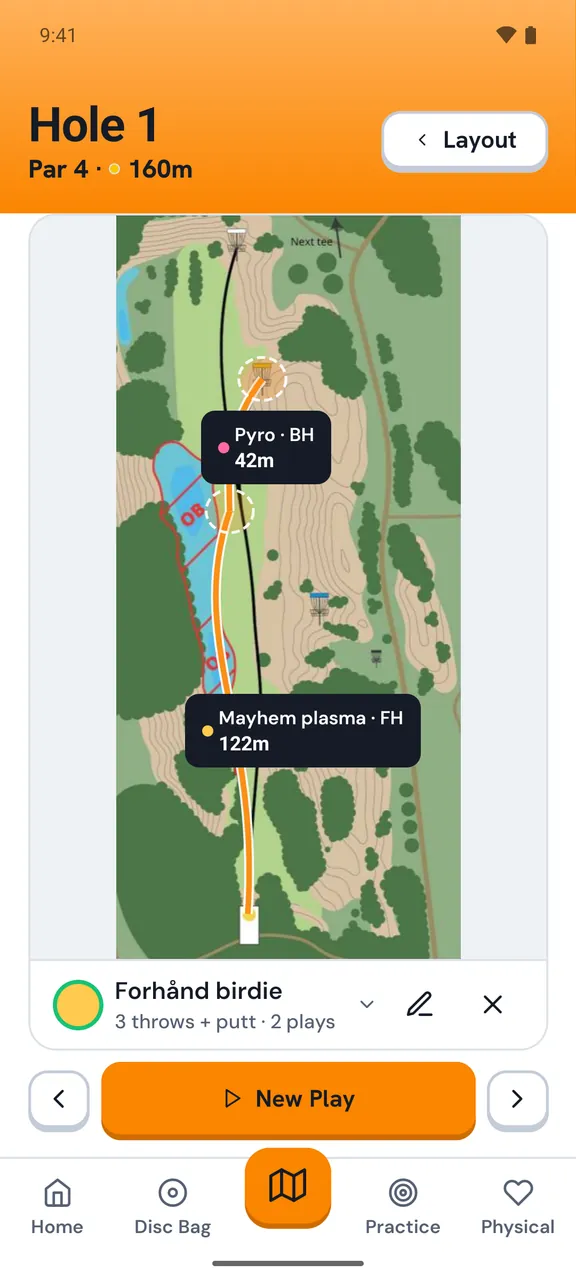
Your bag feeds straight into the Caddie, so you can plan which disc to throw on each hole. Planning a course full of tight, wooded lines? You'll see whether you've actually got the discs for it before you turn up, not after a bogey on hole 3. Draw a line, pick the disc for it from your bag, flight numbers and all.
iOS, Android, and right here in your browser.